

The dangerous part of Skyblock is not the void. It is spending something you cannot replace. One lost sapling, a careless lava placement or an impulsive island reset can matter more than an hour of mining.
This guide follows a classic-style island from its first inventory check to a dependable home. It also shows where economy servers and custom progression systems change the plan. There is no universal island command, shop price or fastest-money strategy: read your server's rules before treating somebody else's progression route as your own.
Choose your kind of Skyblock before choosing a server
The original Skyblock community grew from the small-island survival idea. Modern servers use the name for a much wider range of experiences. Some preserve scarcity; others add generators, shops, quests, machines or extensive RPG systems. Those can all be enjoyable, but they reward different kinds of play.
| Format | What drives progress | Check before joining |
|---|---|---|
| Classic island survival | Turning limited starting items into renewable resources. | Which resources are renewable, which challenges exist and how mistakes are handled. |
| Economy Skyblock | Producing goods, trading and upgrading the island. | Sell limits, resets, paid advantages and whether prices change. |
| Quest or RPG progression | Unlocking systems through objectives, skills or custom equipment. | Whether the guide you are reading belongs to that exact server. |
| OneBlock-style survival | Progression around a regenerating block and its phases. | Phase rules and recovery systems; it is not the same opening as a classic island. |
Browse the Skyblock server list, but compare more than the banner. Read the reset policy, island team limit, edition support and rules on automation. A small persistent island may suit a weekly player better than a competitive season where the leaderboard resets before their next long session.
Before inviting friends, agree on the goal. A peaceful shared garden and a market-dominating factory demand different priorities. Decide whether shared currency can be spent by anyone, whether visitors can interact with storage, and what happens when an island member stops playing. Those agreements are cheaper to make before there are valuable items in the chests.
The first session: secure the ability to continue
Stand still and inspect the starter area. Read the server's island help, then open the chest and list what is present. Take a screenshot of the contents and the island boundaries. Identify your renewable resources, your single-use items and the features that only exist because of a server plugin.
- Protect the storage area. Move only what you need for the next task into your inventory. Keep irreplaceable resources away from exposed edges and experimental machinery.
- Preserve the tree cycle. Before removing every leaf, create a safe place to collect drops. Replant and protect your next tree before spending the last wood on decoration.
- Keep grass and dirt recoverable. Do not excavate the whole starter island for a prettier platform. First determine whether your map or server offers another route to those resources.
- Learn the return command. Find the server's documented island-home command. Do not assume falling into the void preserves items, refunds currency or returns you safely.
- Read reset confirmation text. A reset may affect teammates, upgrades and belongings. It is not a harmless way to preview another starter layout.
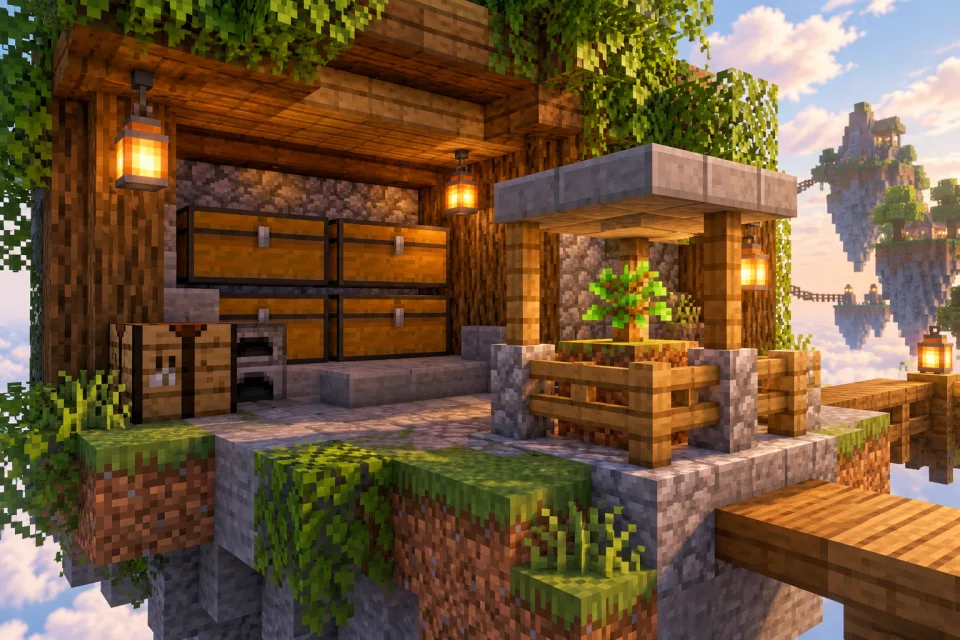
A useful first-session goal is not a large island level. It is the ability to log in tomorrow and continue without staff replacing a starter item. Finish with a growing tree, protected storage, a safe standing area and an understood route to basic building material. If you cannot explain how a resource will be replaced, delay spending its final unit.
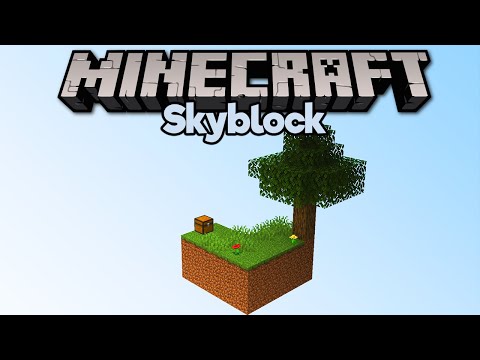
Getting Started In Skyblock! — Minecraft 1.15 Skyblock, Part 1
Pixlriffs. A clear classic-map demonstration of early trees and cobblestone. It uses Minecraft 1.15 and a specific map; use it for the progression idea, not a guarantee about current server mechanics.
Watch on YouTubeBuild a dependable resource loop before a bigger generator
A generator's real value is repeatable output without losing the resources that keep it running. Before placing liquids, check your map's instructions or the server's generator menu. Some servers replace ordinary outputs with custom ore tables, tiers or permission requirements. Buying an upgrade without checking its prerequisites can leave you with an expensive machine you cannot use.
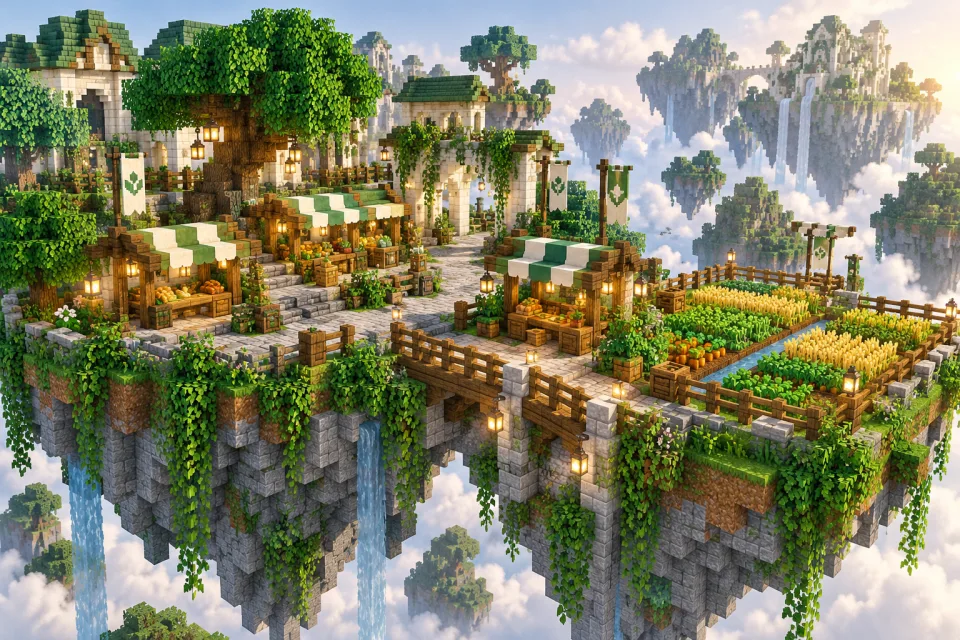
For a vanilla-style cobblestone generator, use a design tested for your edition and world rules. Verify the flow in a separate test world if you are unsure. The illustration below is a concept, not a block-by-block blueprint. Do not use an attractive render as evidence that a liquid layout is safe.
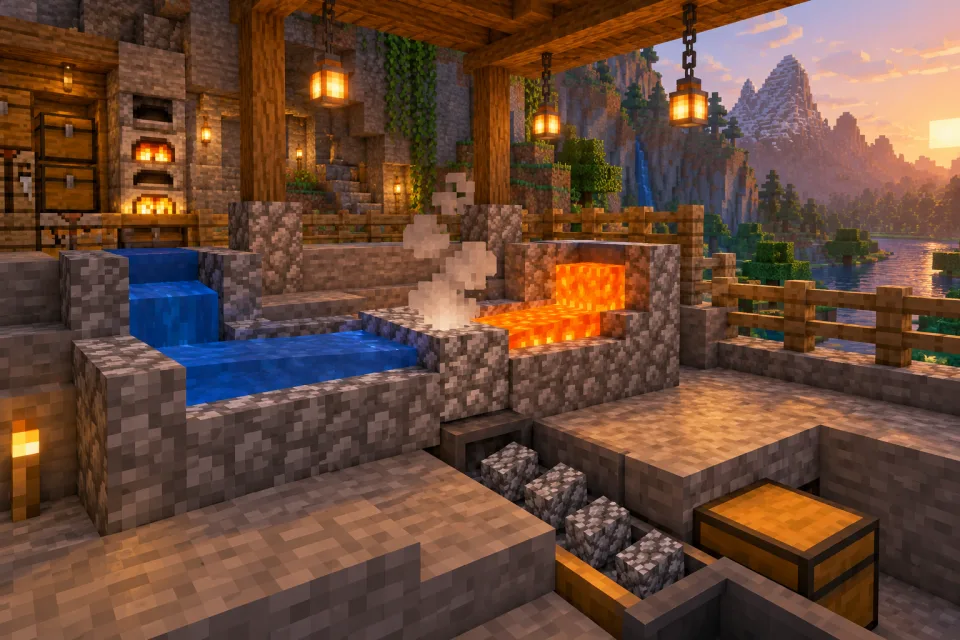
Build a non-flammable working area, leave room to move, and mine a small sample before adding automation. Watch where dropped blocks land. If collection is unreliable, fix that before increasing output. Keep the original resource container safe and avoid carrying your entire starter inventory while working beside lava or an edge.
| Option | Useful when | Cost to consider |
|---|---|---|
| Small manual setup | You need building blocks and want a simple recovery path. | Player time and comfortable collection. |
| Server generator upgrade | The documented output unlocks something you actually need. | Currency, island level, permissions and possible reset loss. |
| Automated design | The server allows it and you can supply and maintain it. | Mechanics compatibility, collection limits and server performance. |
Use a small trial to choose between upgrades. Record the amount you collect during the same length of active play, subtract any consumables, and include time spent repairing or emptying storage. A high theoretical rate is irrelevant if the server limits collection, you cannot keep it loaded or the design violates its rules.
Design an island you can expand without rebuilding everything
Give the island four jobs before choosing a decorative theme: arrival, storage, growing and noisy work. Put the arrival point where a new teammate will not fall, spawn inside foliage or land beside exposed lava. Keep a direct path from arrival to a labelled storage area. Position trees where their growth will not block that path.
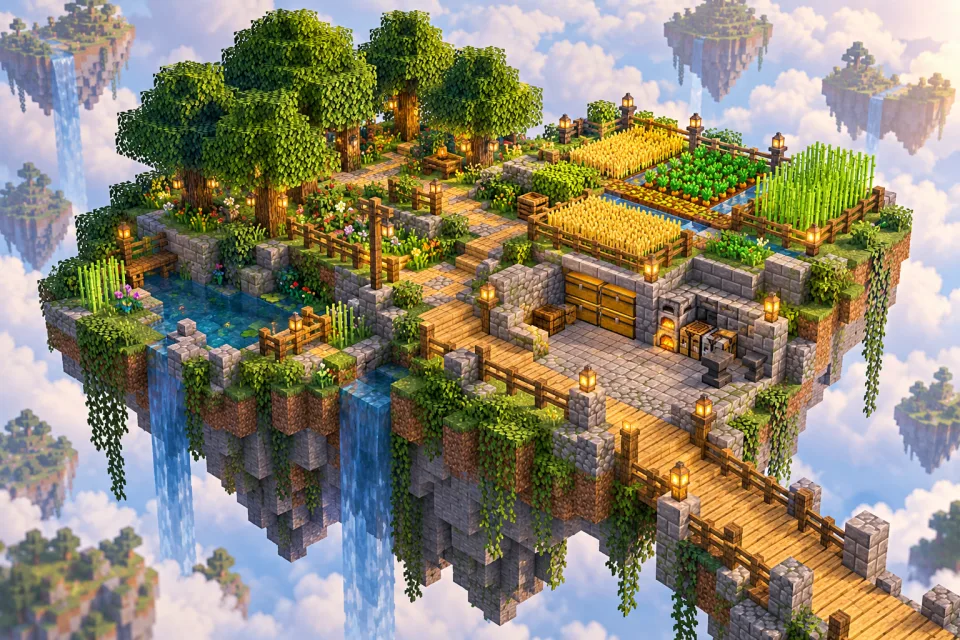
Use inexpensive blocks to outline future areas. Build the safe route before the destination. Add edges or rails where a routine movement mistake would be costly, and provide lighting appropriate to the server's rules. Leave an empty strip around machinery so you can inspect it without tearing down a finished wall.
For a small island, one material for main paths and another for work zones is enough to make the place readable. A storage room with room to stand and sort is more useful than a monumental entrance that consumes the wood you need for tools. Decorate the parts you use every session first; that gives the island a recognizable identity without delaying its basic functions.
Measure success with a short walk: can a guest reach the meeting area without crossing a farm, opening private chests or stepping onto an unfinished bridge? Can a teammate find tools without asking in chat? A good layout reduces accidents and arguments even when it is built from cheap blocks.
Choose the next farm by the problem it solves
Do not build five farms because a video series has five episodes. Write down the current bottleneck: food, building material, a quest item, currency or a resource needed for the next unlock. Choose one project that addresses it and make it dependable before starting another.
| Need | Possible next project | Check first |
|---|---|---|
| Food security | A small crop area or another allowed food source. | Available seeds, growth rules and whether the server alters hunger. |
| More building space | A reliable source of common building blocks. | Generator behavior and collection safety. |
| Specific drops | A permitted mob farm appropriate to the edition. | Spawn rules, island biome, caps and farm restrictions. |
| Currency | A small production test for an item with a real buyer. | Actual sale price, demand, taxes and daily limits. |
| Team efficiency | Shared storage and clear permissions. | Who can withdraw, build, invite and spend. |
Mob farms deserve extra care. A design that works in a private map may perform differently on a shared server with changed spawn settings or other players online. First establish that the required mobs can spawn on your island and that the design is allowed. Ask for the relevant rules rather than assuming a silent farm means you built every block incorrectly.

Skyblock Hostile Mob Spawner! — Minecraft 1.15 Skyblock, Part 2
Pixlriffs. An older map-based example of moving from basic resources to hostile-mob drops. Current spawning rules and multiplayer limits can differ, so verify the design before rebuilding it.
Watch on YouTubeKeep maintenance in the plan. Decide how you stop the farm, reach its collection area and dispose of overflow without littering the island with items. Even a productive farm becomes a burden when every session begins with twenty minutes of clearing storage. If you are the server owner, our lag troubleshooting guide explains how to investigate expensive activity instead of blaming every farm equally.
On economy servers, calculate the upgrade before buying it
Consider an invented example: a generator upgrade costs 12,000 coins. During comparable play sessions, your current setup earns 900 coins per hour and the upgrade is expected to earn 1,500 after selling costs. The additional income is 600 per hour, so the simple payback period is 20 hours. These are example numbers, not a claim about any listed server.
That calculation immediately creates better questions. Will you play twenty productive hours before the next reset? Does the rate depend on a temporary price? Does it require spending all your time mining rather than building with friends? Could a cheaper storage improvement save more frustration? Currency is only useful if it supports the kind of island you want.
Try small trades before committing the island treasury. Check the exact item, quantity, restrictions and final confirmation screen. Avoid private trust trades with no protection when the server offers a documented market mechanism. Keep a reserve for tools and recovery rather than investing every coin in a single price-sensitive output.
Read the paid-rank description before assuming it is necessary. Separate convenience, cosmetic features and progression advantages, and check whether benefits survive a reset. A guide cannot decide what is good value for your circumstances, but it can help you avoid buying a solution to a problem you have not yet encountered.
Run a shared island without sharing every permission
Give teammates the access their role needs, and test it with an ordinary account. A visitor should not gain building or storage access merely because you want them to tour the island. Before promoting a member, check whether that role can invite others, withdraw currency or reset the island.
Agree on a reserve chest that is not emptied for routine projects. Store the items that let the group recover from a mistake there, and make its purpose clear. Keep a short project board with an owner and material budget for each large build. This prevents two players independently consuming the same scarce resource for different plans.
If a teammate disappears, use the server's documented ownership and inactivity policy. Do not try to recover access by impersonating their account. For groups who prefer a full terrain world and fewer scarcity constraints, compare Skyblock with an ordinary survival server before sinking more time into a format that does not suit everyone.
Move into advanced projects deliberately
Once your basic supplies are stable, choose an advanced project with a named purpose: obtaining a missing resource, finishing a challenge, improving a public build or making a system easier to maintain. Write down its dependencies before placing the first block. If the plan assumes access to a dimension, biome or custom recipe, verify that access first.

How To Build a Skyblock Drowned Farm! — Minecraft 1.15 Skyblock, Part 25
Pixlriffs. An advanced example of targeting a particular resource through a farm. This is a historical 1.15 design with version-sensitive drops and spawning; do not copy it as a current universal blueprint.
Watch on YouTubeThe lesson in a long progression series is the chain of dependencies, not the need to reproduce every machine. A server shop may replace an entire resource chain. A custom challenge may require a different one. Document your own route in a book or shared note so returning teammates understand why a project exists.
Recover from mistakes without making a second one
If you lose a key item, stop and check the server's recovery policy before resetting. Identify exactly what was lost and whether the server offers a replacement recipe, shop item, challenge reward or staff process. Do not assume staff will replace it, and do not repeatedly recreate islands to transfer starter items unless the rules explicitly permit that behavior.
If a machine breaks, isolate it and reproduce the problem with cheap materials. If items disappear after a menu action, record the time and action before trying again with more valuables. If another member changed permissions, inspect the roles before accusing a visitor. A small factual report gives staff a much better chance of helping than an angry description with no time or location.
Skyblock questions before you commit to an island
Is this a Hypixel SkyBlock progression guide?
No. It covers classic-style island planning and the decisions common to many public Skyblock servers. A custom RPG server has its own item, skill and quest systems; use documentation for that exact server.
What should I build first?
Protect renewable resources, storage and your route home. Then solve your immediate supply problem. A large decorative platform is a poor first investment if it leaves you unable to replace tools or grow another tree.
Can Java and Bedrock friends share an island?
Only when the chosen server supports the connection and its island features work for both clients. Check the listing and test permissions together. Owners can use our crossplay setup and testing guide.
Why does a farm from YouTube produce nothing?
The video may use another version, edition, biome, map or spawn configuration. Confirm those conditions and the server's rules before expanding the build. A larger copy of an incompatible design will not fix the missing condition.
Should I join just before a season reset?
It can be a useful time to learn commands and meet the community, provided you expect progress to be temporary. Ask what resets and what persists before purchasing upgrades or planning a long build.
Is a paid rank necessary to enjoy Skyblock?
That depends on the server's design. Try the normal progression first, read its store descriptions and decide whether the unpaid experience is enjoyable on its own. Do not assume that a rank will solve an unclear progression path.