

Creative servers give builders a place to work with fewer resource constraints, but the build rules matter as much as the tools. Compare plot sizes, shared-building permissions, editing limits and retention policies before starting a large project or inviting others into it.
AdvertisementCreative Servers
1,207 servers
1. 
hub.manacube.com
2. 

one.lemoncloud.net
3. 

hub.opblocks.com
4. 

mcso.democracycraft.net
5. 

seresonline.mcv.kr
6. 
dose.kr
7. 
picosv.kr
8. 
beartown.kr
9. 
me.batyacraft.ru
10. 
leunesiseu.kr
11. 

bedwars.games
12. 
rendog.kr
13. 

hitmc.kr
14. 
icyonline.kr
15. 

pqserver.kr
16. 

epic.newwindserver.com
17. 
eldoria.life
18. 

org.omni-verse.us
19. 

mcday.kr
20. 
play.labs
WATCH & EXPLORE
Creative: gameplay & guides
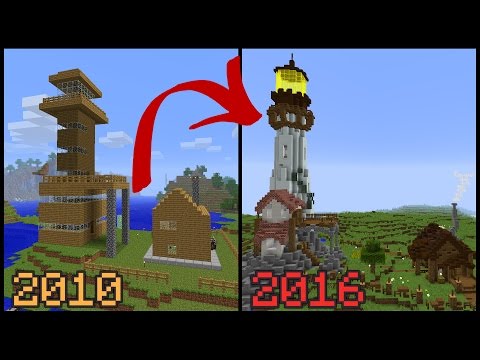
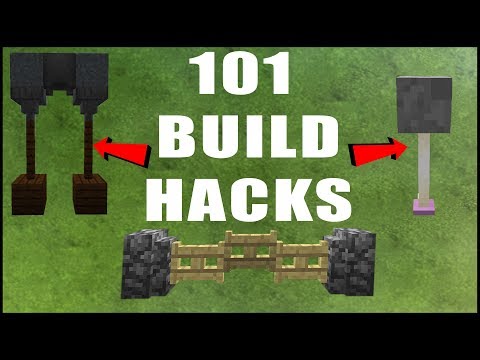
Watch Grian revisit a first house, plan a mega base and demonstrate building techniques. Use the ideas as starting points for your own projects on a creative server.

LEARN THE MODE
Creative tutorials
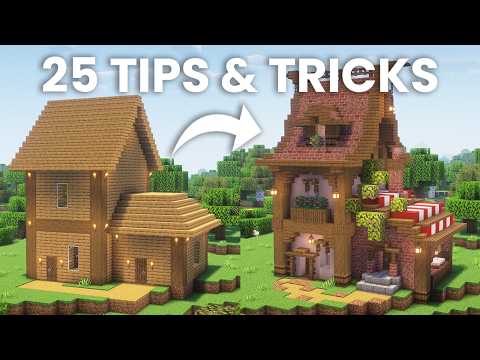
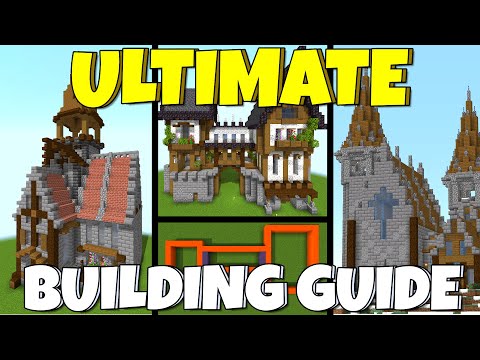
Building technique guides for Creative and plot-style servers. Use the ideas as practice; plot sizes and worldedit tools differ per community.

RUN A SERVER
Set up a Creative server
Create a plot-based Creative server with PlotSquared. Pair plots with permissions carefully so builders cannot overwrite each other.


Videos belong to their creators. Examples may use custom rules, mods or older releases. Check individual listings for current server features and access. The YouTube player loads when you press play.
A closer look at this directory
This directory currently has 1,207 servers. The 20 shown on this page include 20 declaring Java support and 18 declaring Bedrock support; 18 declare both. Listings supporting both editions appear in both counts.
Tags on these listings: Creative, Earth, Factions, KitPvP, Lifesteal, OneBlock, Parkour, Prison.
Declared version groups: 26, 1.7, 1.20, 1.21, 1.2, 1.19. What version labels mean.
What to check on a Creative server
Measure the usable space
Check plot dimensions, height restrictions and whether plots can be merged. A build that fits in singleplayer may exceed a server’s plot boundaries or block limits.
Inspect editing tools
Find out which selection, copy and terrain-editing tools you can use without a paid rank. Large operations may have cooldowns or size limits to protect server performance.
Share permissions carefully
Builder access, container access and ownership are not always the same permission. Try collaboration on a small test area before giving someone control over a finished project.
Plan for keeping the build
Ask about inactivity cleanup, plot resets and permitted export options. Keep your own design notes and screenshots; a directory listing does not promise backups or downloadable worlds.
Need connection help? Follow the Java joining steps or Bedrock joining steps.
Creative server FAQs
Do creative servers give unlimited blocks?
Creative mode normally removes resource gathering, but a server may restrict particular blocks, entities or tools. Read its building rules before planning mechanisms or large decorations.
Can friends build on my plot?
Usually only if the plot system supports trusted members. Check how to grant and revoke access and whether guests can alter existing blocks.
Is WorldEdit included?
Not automatically. Tool access can depend on the server, rank or operation size. Ask which commands are available to new players.
Can I download my creation?
Only if the community provides an export method or grants permission. Check before investing time in a project you need to keep outside that server.
Can an inactive plot be removed?
Some communities reclaim unused plots. Find the inactivity policy and whether logging in, building or renewing a claim is required to retain your space.
What is different about City Build?
City Build often adds a shared town layout, plots or an economy around construction. Creative focuses on building freedom, but tags overlap and do not establish exact rules.
Explore more game modes
These directories currently have listings to explore. Check each server’s details before changing editions or installations.